

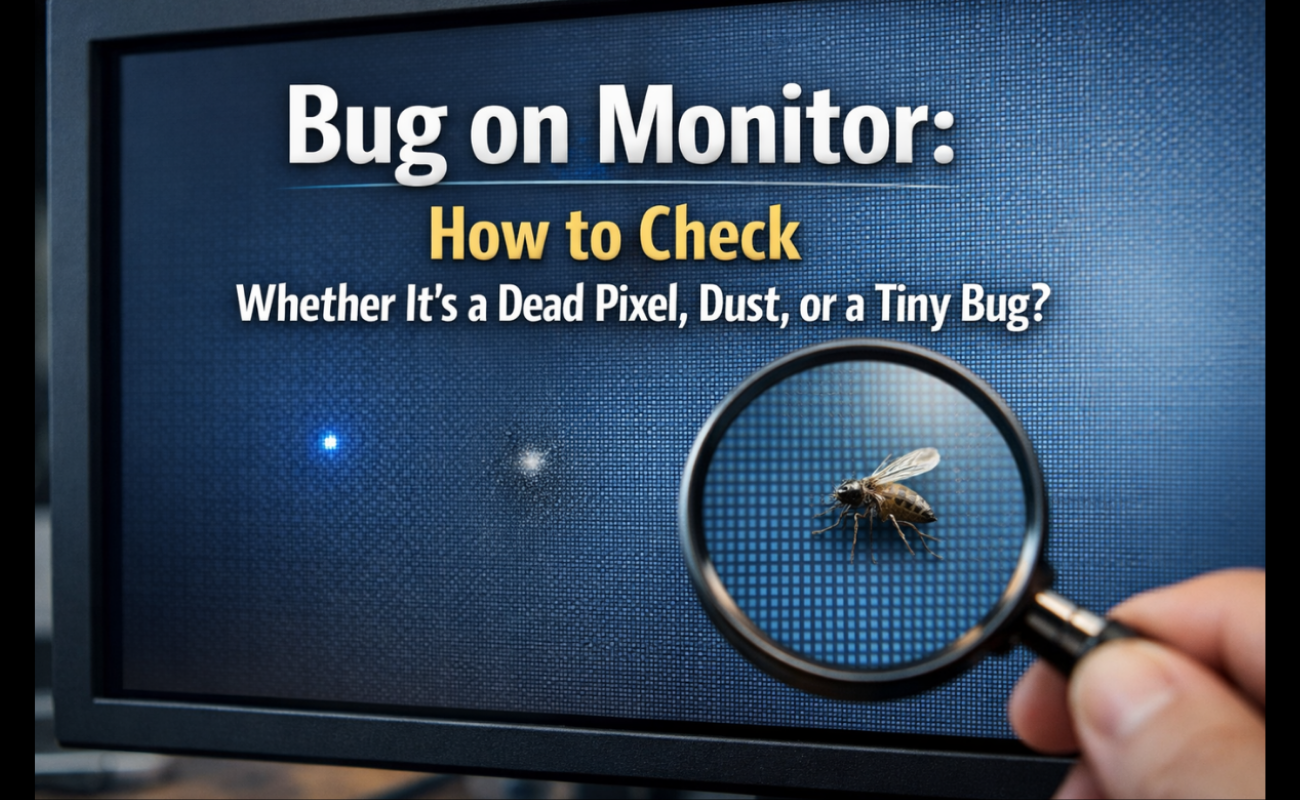
When you sit down at your computer, but suddenly spot it and appears a bug. A bug inside a monitor display is a frustrating distraction for every computer user. At first look, you might think your monitor is a dead pixel or a speck of trapped dirt. But then, this small moving dot on the computer display shifts direction.
Checking a bug on the monitor screen is a common issue. Monitor screen emits heat and light, and creates a good environment for tiny insects. Then you have to quickly find out what you are finding to avoid causing permanent damage to the hardware.
Before you press, tap, or panic, you need to get the facts to solve the issue. In this guide, we will explore exactly how to find a monitor display defect. And you will know the difference between dead pixels and dust easily and fix it simply.
How to Tell What You Are Actually Seeing
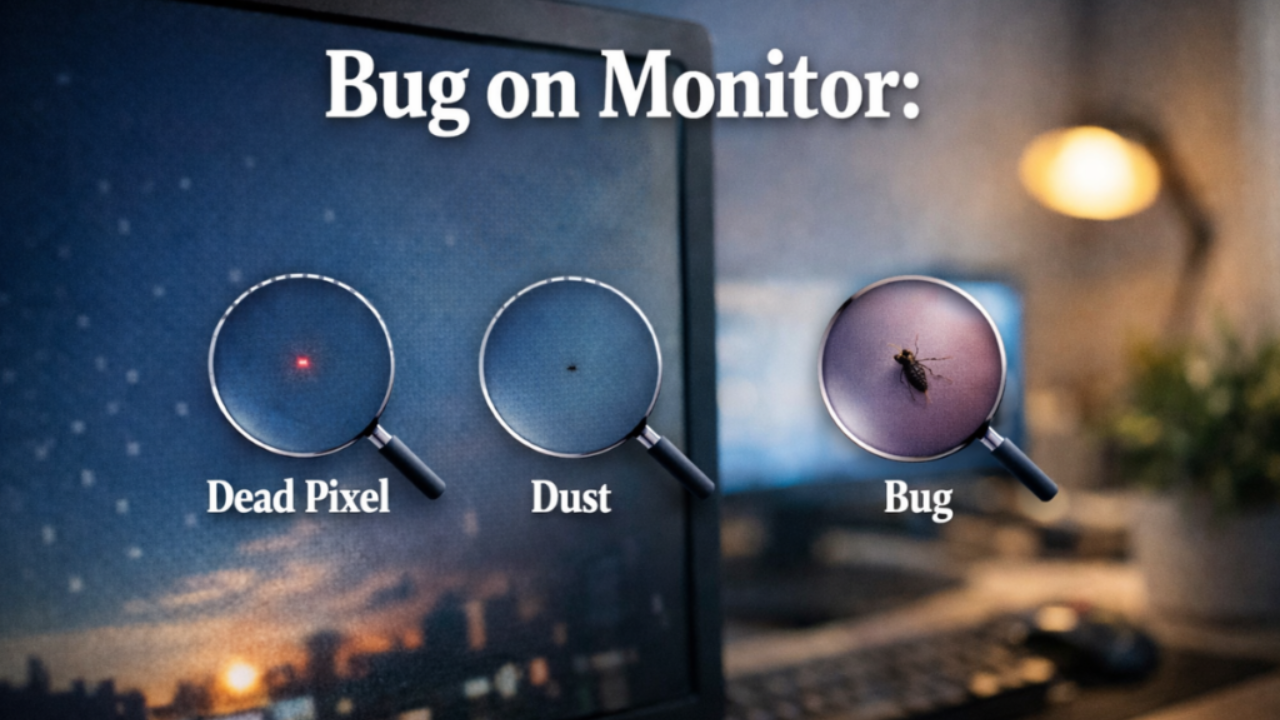
Before you poke, press, or panic, run a quick test. Pull up a solid color background—white, black, red, green, and blue work best. A dead pixel will stay the same color or stay black no matter what background you use. Dust will look like a faint, soft-edged spot that never moves. A bug, on the other hand, will have irregular edges, may cast a slight shadow, and—if it is still alive—will crawl or shift over time.
If you want to be extra sure, grab your phone and take a macro photo. Zoom in. A dead pixel is a perfect little square lined up with the screen’s grid. A bug will look more like a tiny blob with uneven edges.
Why Bugs Get Inside in the First Place
Your monitor is not one solid piece of glass. It is made up of several thin layers: the outer glass, a polarizer, a color filter, the liquid crystal layer, and the backlight unit behind everything. Tiny gaps exist around the edges for ventilation, and that is how insects slip in.
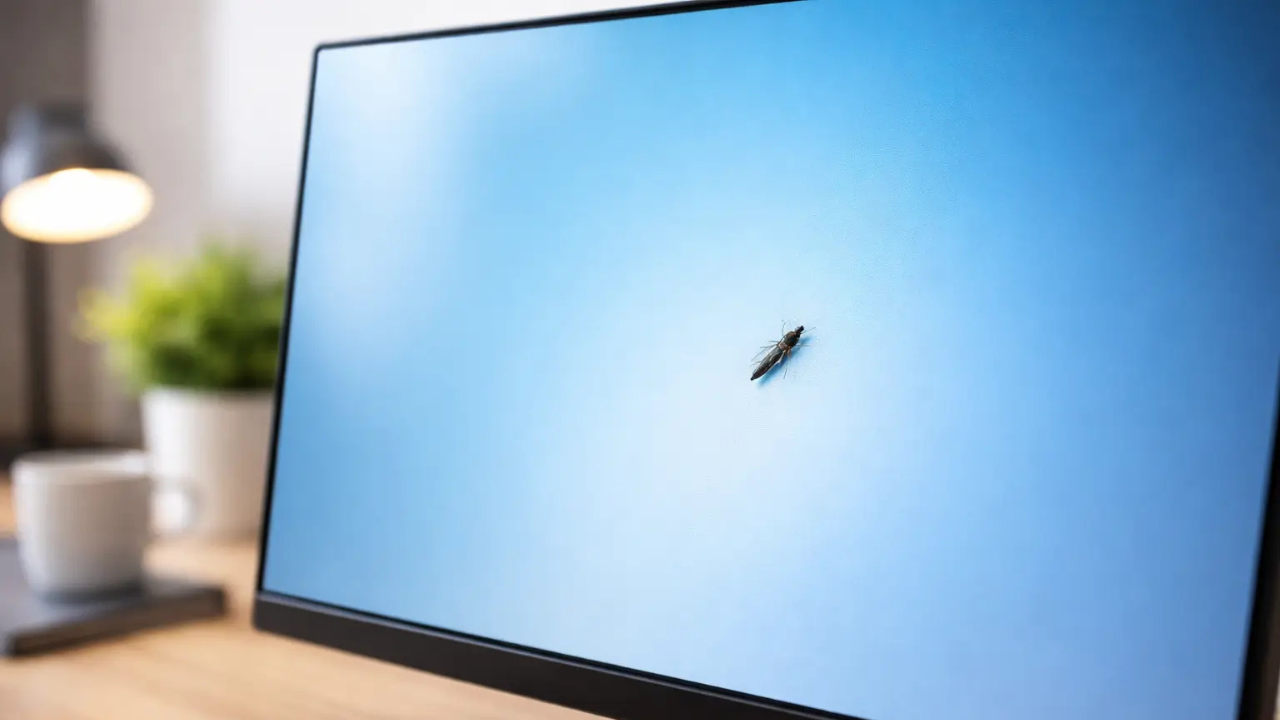
The most common culprit is the thrip, also called a thunderfly. These are extremely thin insects that can squeeze through gaps smaller than a millimeter. They are drawn to the warmth and the blue light coming from the backlight. Once inside, they usually get stuck between the diffuser sheets and the LCD glass—not inside the sealed liquid crystal layer itself, but in the optical film layers where you can still see them.
What You Should Never Do
This part is important. Do not press on the screen. I repeat—do not press. Squishing a bug inside your monitor is a fast way to turn a small problem into a permanent stain on the internal optical sheets. Worse, pressing on an LCD panel can crush the liquid crystals and create real dead pixels or backlight bleed that never goes away. Also, do not try using suction cups to pull the screen apart. That can delaminate the display layers and ruin the whole panel.
Read Also: Hamraaz Web: The Ultimate Login and Access Guide 2026
How to Get a Live Bug Out
If the bug is still moving, you have a good chance of luring it out. Turn off the monitor and all the lights in the room. Place a bright flashlight or desk lamp right next to the side vents of the monitor. Bugs are naturally drawn to light, so the flashlight becomes a beacon. With the monitor off and cooled down, the insect will often crawl toward the light and find its way back out through the gaps.
Another simple trick is the cooling method. Turn off the monitor and unplug it overnight. Without the heat source, the bug will likely leave to find a warmer spot. It sounds almost too simple, but it works because insects follow warmth.
What If the Bug Dies Inside?
Sometimes the insect dies before it gets out. A dead bug looks a lot like a cluster of dark pixels, which is frustrating. If this happens, do not try tapping the glass right away. Wait a few days for the bug to dry out completely. Once it is dry, turn the monitor off, hold it upright, and gently tap the top plastic bezel—not the glass—with a soft cloth over your finger. The idea is to use light vibrations and gravity to make the dried carcass fall to the bottom edge of the screen housing, where it is out of sight.
When to Call a Professional
If you cannot get the bug out, or if you already squished it and left a stain, you will probably need professional help. Opening a modern monitor requires special tools and a dust-free environment. One more thing—check your warranty, but do not get your hopes up. Most manufacturers treat insect ingress as environmental damage, which standard warranties do not cover. That said, if the bug caused actual panel failure or if you have a cluster of dead pixels exceeding the industry limit, you might qualify for a replacement. For reference, ISO standards allow up to 3 bright or 5 dark defects per million pixels on most consumer displays.
How to Keep Bugs Away
Prevention is straightforward. Turn off your displays at night so they are not giving off heat and light while you sleep. Keep your workspace clean, and wipe down the exterior of your monitor with a microfiber cloth. If you use isopropyl alcohol, keep it at 70% or less, apply it to the cloth first, and never pour it directly on the screen—this protects the anti-glare coating. Also, keep window screens closed during warm, humid months when thunderflies are most active.
Final Word
A bug inside your monitor is irritating, but it is rarely the end of the world for your display. Figure out whether you are dealing with a dead pixel, dust, or an actual insect. Use the flashlight trick for live bugs, gentle tapping for dead ones, and never press on the glass. Keep your workspace clean and your screens off when not in use and you will avoid most of these tiny invaders.
Read More: Timing Advance Processor: Types & Selection Guide
