


You must have heard about HRMS Bihar as it is a must for all Bihar government employees. There are still a lot of employees who are unable to log in, check salary slips, or complete the leave application online process. In this blog, I will explain, in simple words, step by step to use HRMS Bihar without any confusion.
What Is HRMS Bihar
HRMS stands for Human Resource Management System. It is an official online portal made by the Government of Bihar for its state employees. The full form itself tells the purpose, which is to manage everything related to human resources like attendance, payroll, and service records in a single system.
This portal is run with support from the National Informatics Centre for the Government of Bihar. You can access it at hrms.bihar.gov.in. It covers employees from many departments such as Education, Health, Police, PWD, Revenue, Agriculture, and Home, so almost every government worker in the state can use it.
The old days of visiting one office after another just to get a salary slip or apply for leave are now gone. With this portal, most of that work is done sitting at home or office with just a few clicks.
Why HRMS Bihar Is Useful
The portal gives many benefits to state employees, and here are the main ones.
It helps employees download their salary slip anytime without asking the office staff.
It allows applying for leave online and also checking the leave balance instantly.
It keeps a full service book, which shows the complete work history of the employee.
It gives access to GPF details and pension-related information.
It also supports loan application and advance payment requests for eligible staff.
Because of all this, the portal saves a lot of time and reduces the dependency on paperwork.
How To Register On HRMS Bihar
HRMS stands for Human Resource Management System. It is an official online portal made by the Government of Bihar for its state employees. The full form itself tells the purpose, which is to manage everything related to human resources like attendance, payroll, and service records in a single system.
This portal is run with support from the National Informatics Centre for the Government of Bihar. You can access it at hrms.bihar.gov.in. It covers employees from many departments such as Education, Health, Police, PWD, Revenue, Agriculture, and Home, so almost every government worker in the state can use it.
The old days of visiting one office after another just to get a salary slip or apply for leave are now gone. With this portal, most of that work is done sitting at home or in the office with just a few clicks.
How To Log In On HRMS Bihar
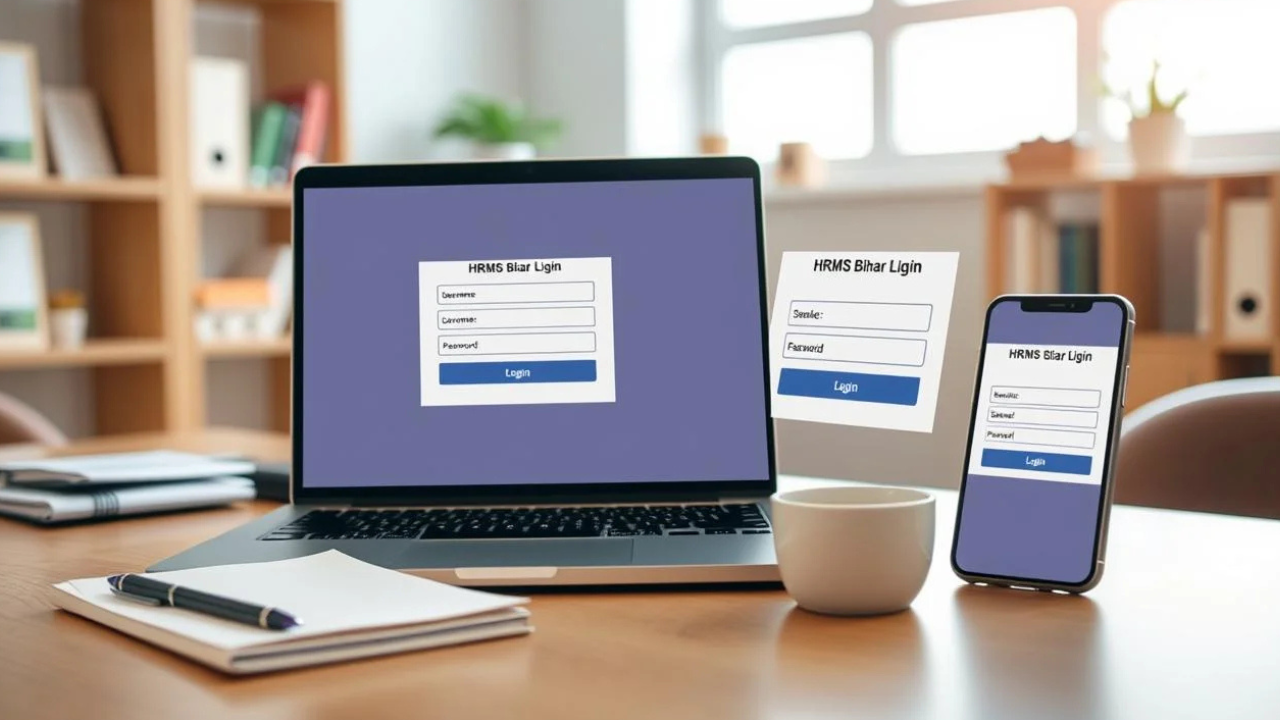
After getting your login information, it’s very easy to log in. Just follow these instructions.
Step 1: You should open the HRM Portal web page in your web browser of hrms.bihar.gov.in.
Step 2: Here you will find two options: By Password, By OTP on the login page.
Step 3: If you have a password, go to the By Password tab and type in your username or employee number, then type your password, type the captcha code shown and click Login.
Step 4: In case of OTP login (first login) or if you are using OTP login, select the By OTP option and enter your employee ID/username, enter the OTP received on the mobile number you registered for this, and click on Login.
You will be taken to your personal dashboard upon logging in and all of your services will be shown.
Please contact your department office if you have changed your cell phone number but are not receiving the OTP.
How To Download Salary Slip
One part that is used a lot on this whole portal is the salary slip section. This slip is primarily used by practically all employees when logging in each month.
Step 1: Log in to your HRMS Bihar account.
Step 2: On your dashboard, click on Salary or Payroll.
Step 3: Select the month and year you desire the slip for.
Step 4: Click on View Salary Slip to view it on your screen.
Step 5: If you need to make a copy, use the download or print option (print it as a PDF).
On your mobile phone, after opening the slip, you can tap the share icon or the three dots icon to select download or print PDF. This PDF can be subsequently utilized for income tax filing, loan applications, or any official work where there is a requirement for salary proof.
Here’s one little hint: some workers are aware that their payslip PDF is password protected. If so, the password is typically your employee code; if that doesn’t work, then there may be a mistake and try it again.
Other Services On The Portal
Apart from salary slips and login, the HRMS Bihar dashboard also gives access to many other useful sections.
Employee Profile, where your personal and job-related details are shown.
Leave Management, where you can apply for leave and also see your remaining leave balance.
Pension and Retirement section, useful for employees who are close to retirement or already retired.
Service Book, which keeps a full digital record of your career in government service.
These sections make the portal a complete self-service system, so employees do not need to depend fully on manual office work anymore.
Common Problems And Simple Tricks To Fix Them
Sometimes the portal may not open properly or show errors. Here are a few tricks that can help.
If the site does not open at all, it is usually due to scheduled maintenance, especially near the end of the financial year when salary records are being matched with other government systems. In such cases, simply wait for some time and try again later.
If you forget your password, use the Forgot Key option on the login page, or simply switch to OTP based login using your registered mobile number.
Always keep your registered mobile number updated with your department, since most recovery options depend fully on that number.
If your salary slip is not opening properly, try switching to a different browser or clearing the browser cache once.
For any changes in personal details, always request them through your HR department instead of trying to edit sensitive information yourself.
Final Word
HRMS Bihar has made life much easier for lakhs of government employees across the state. From checking salary slips to applying for leave and tracking service history, almost everything is now available in one single portal. Once you understand the login process and know where each service is placed, using this system becomes really smooth. Just keep your login details safe, keep your registered mobile number active, and you will never face trouble using HRMS Bihar again.
Read More: How to Fix Pixelated Video: Simple Guide, No Tech Skills Needed
